Read comments about custom profiling from a few satisfied customers.
Custom ICC output profiles............................................................... $100.00
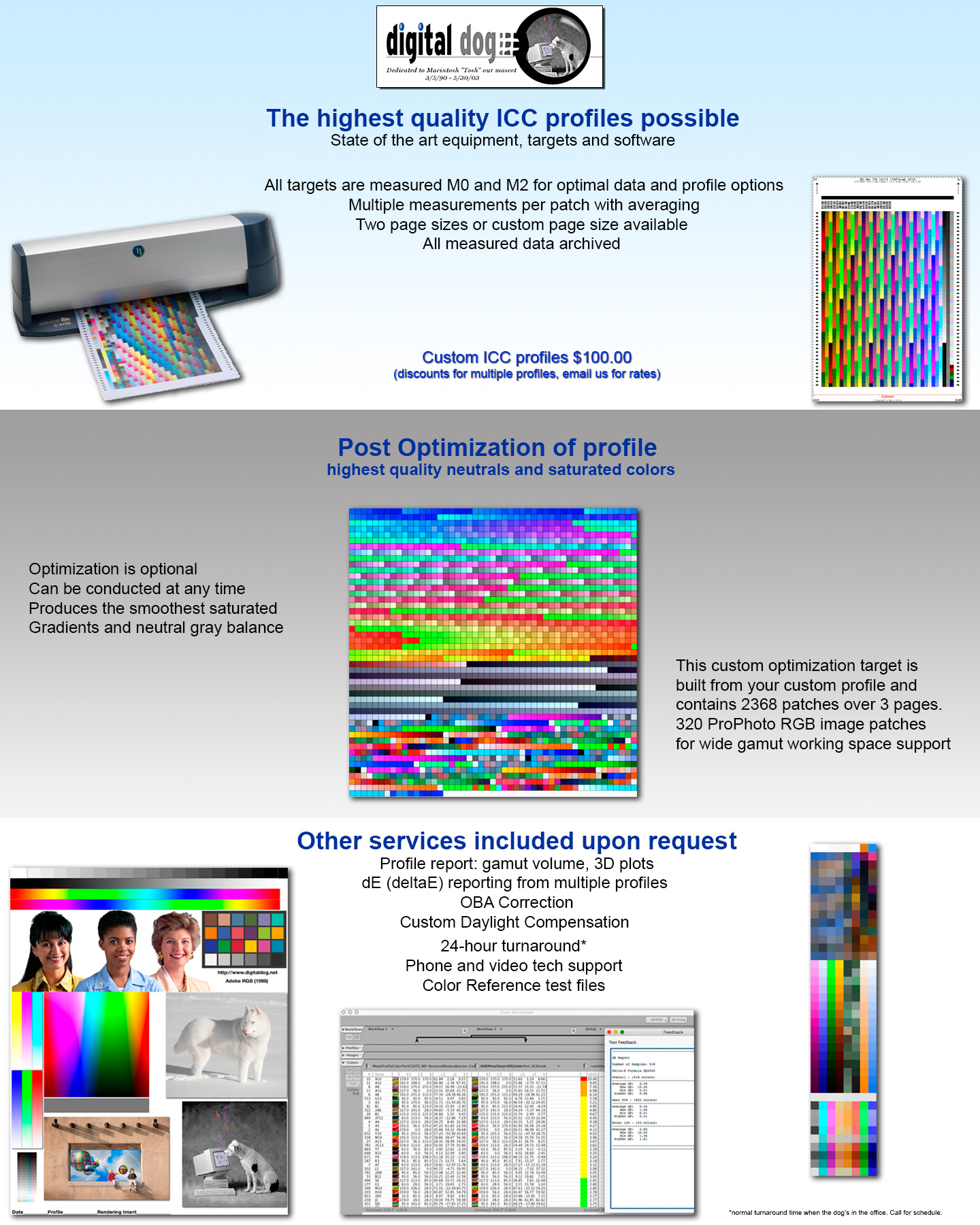
Why use our profile service? We use state of the art hardware and software and have been building profiles for customers for over 7 years. We guarantee our profiles (not happy, don't pay). Turn around is usually 24 hours from receipt of targets!
10.06.07. I have upgraded to the newest and best Spectrophotometer on the market, the X-Rite Eye-One iSis. This unit uses a new LED light source and is very effective at dealing with Fluorescent Optical Brightnesses found in so many ink jet papers (See http://www.ppmag.com/reviews/200702_rodneycm.pdf). The iSis makes two measurements per row of patches, one with and without UV. We are using Bill Atkinson's custom built targets http://www.billatkinson.com/Homepage.pl. Bill has designed custom targets for the best quality profiles from the iSis Spectrophotometer!
The Digital Dog will create a custom ColorSync/ICC profile for your
output device. We will measure the prints and create a custom ICC profile
for you to use in any ColorSync/ICC/ICM savvy product. Profiles can be
used on either Macintosh or Windows systems.
Important Instructions:
Do not alter the target files in any way other than resampling (NOT RESIZING) if necessary. The files must be output at 100% of the size downloaded even if you get a warning from your printer it may clip the sides, this will be OK as long as you do NOT crop off the black trinagles. Ensure, as seen below, that the black triangles are not cut off!!! They measure approximately 203mm from side to side. See the PDF Profile FAQ below for detailed instructions

Do NOT convert the files in any way when opening these files into Photoshop! Targets are untagged and do not need an assigned profile. They are in 16-bit. You can use a type layer to label the targets using Photoshop's type tool if you wish. You can resample down to 8-bit for output should your print drive not support 16-bit files (most can).
1. Specify printer (and media) so we can name your profile (for example Epson 3800Luster). You can write this on the targets using a pen, below the color patches or use a type layer.
2. Send targets without folding or you could damage the printed patches! The patches must be clean and clearly readable.
3. Add your Email address so we can send the profile. Be sure that you do not have a Spam Filter that would inhibit us from sending you the profile.
4. If you're printing from an Ink Jet printer, be sure all your inks are firing (do a head cleaning). The color patches should output a solid, clean color.
Please note the following about delivery and turn-around time:
Profiles are usually built within 24 hours of receipt. Note that due to "issues" with U.S. Mail, including Priority, if you are in a hurry to have your profiles generated, it is advised that you send via Federal Express or other carrier. It is not uncommon for the U.S. mail to take over two weeks to deliver to Santa Fe. Priority Mail is not immune to these issues.
If you have any questions about handling these files please call us before you output the targets. Also download the PDF's below
| READ ME FIRST: Profile FAQ How to print the targets for getting your profiles made and common questions from customers once they receive their ICC profiles |
| Download this test file for visually examining ink density. Used to test best media settings for 3rd party papers |
| How to use these ICC profiles in Photoshop:Using profiles in Photoshop 5.0 though CS with printer drivers and Export Modules and how to set drivers to print targets Using profiles in Photoshop CS2/CS3's Print with Preview (Now called Print in CS3) For those working with Epson drivers under Leopard (OS X 10.5) read this PDF |